Step inside.
Tours, laser mapping and installations people touch.
Scroll
Chapter 1
AR/VR virtual tours
Walk it before it's built.
01AR walkthroughs
02VR tours
03Web 360 tours
- ScanSite, plans and surfaces.
- DesignContent built for the space.
- CalibrateAligned on site.
- ShowWe run it live.
AR/VR virtual tours · try it
Drag to look around.
Drag to look around · scroll or pinch to zoom · tap a label
Chapter 2
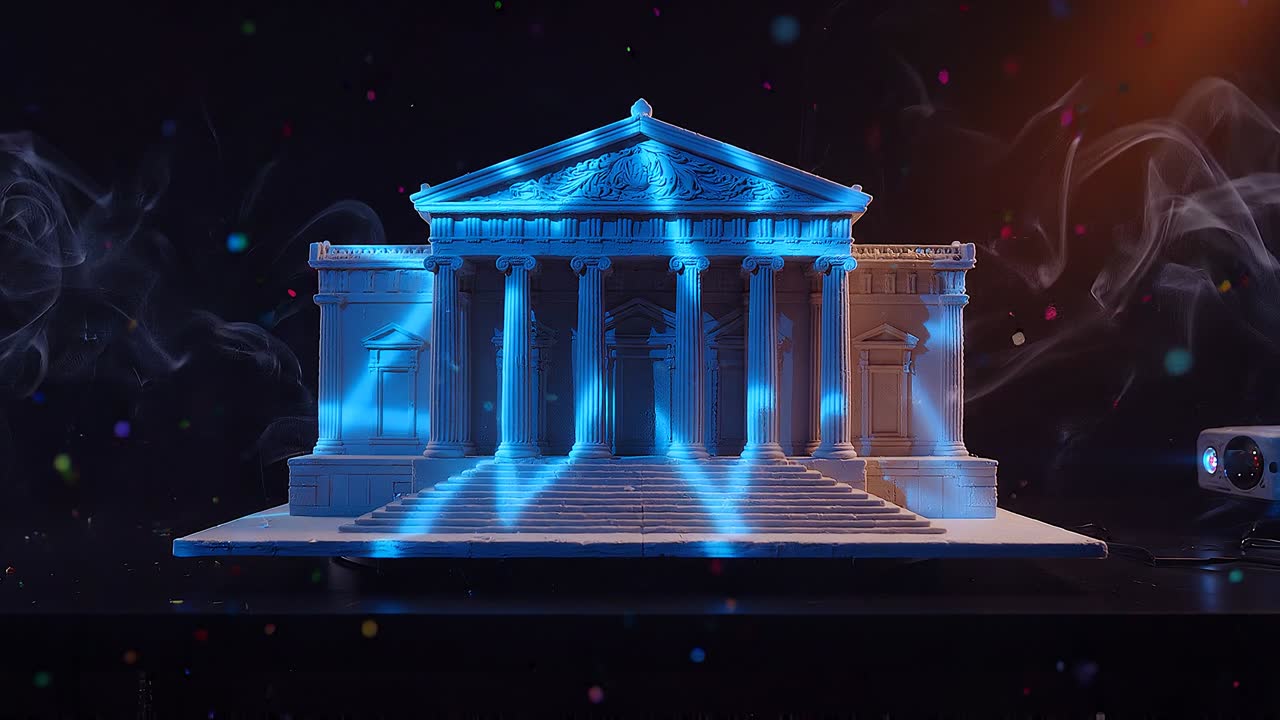
Laser projection mapping
Light, laid on architecture.
01Facade mapping
02Laser shows
03Stage and dome visuals
- ScanSite, plans and surfaces.
- DesignContent built for the space.
- CalibrateAligned on site.
- ShowWe run it live.
Chapter 3
Interactive installations
Touch nothing. Control everything.
01Hand-gesture 3D models
02Body-silhouette environments
03Museum and event pieces
- ScanSite, plans and surfaces.
- DesignContent built for the space.
- CalibrateAligned on site.
- ShowWe run it live.
Interactive installations · try it
Step in. The code rain lands on you.
Move your mouse to place the silhouette. With a camera it uses your real body. Open full screen
Work